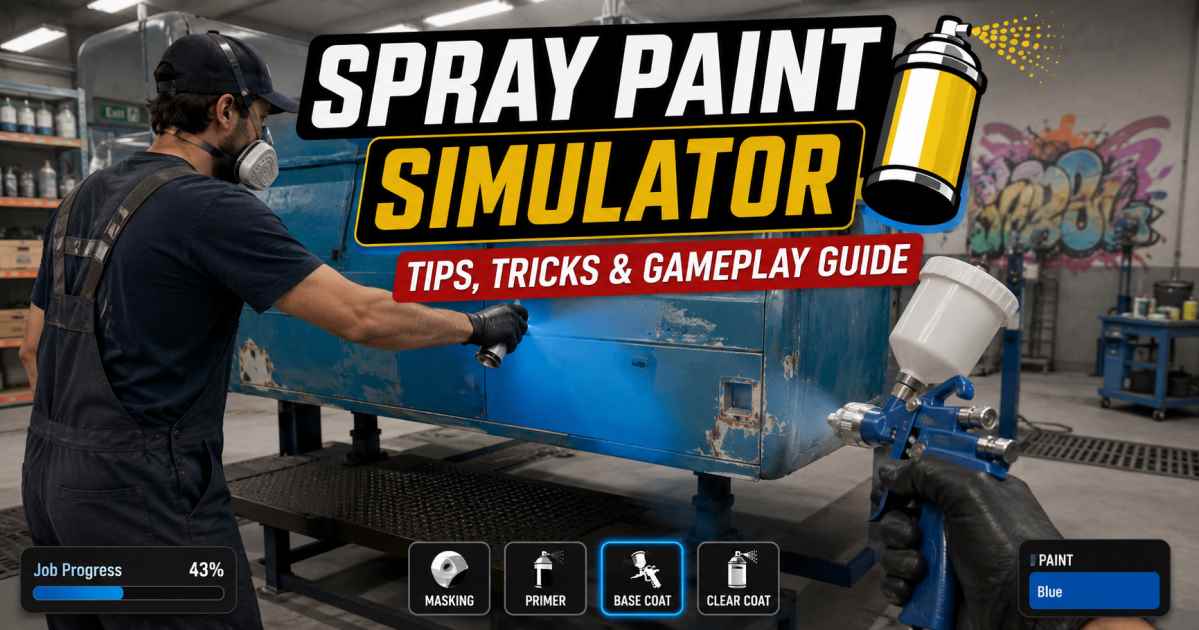
Spray Paint Simulator Tips Tricks and Gameplay Guide
Getting a clean coat of paint without making a massive mess is a true art form. I spent hours mastering the game’s virtual nozzles to bring you this definitive strategy guide. Whether you are running through your career or just messing around in free spray mode, I found that small changes in your approach completely transform your layout speed.
This comprehensive guide breaks down every mechanic so you can maximize your cash flow, locate every hidden collectible, and easily progress through the toughest levels.
What Spray Paint Simulator Is About
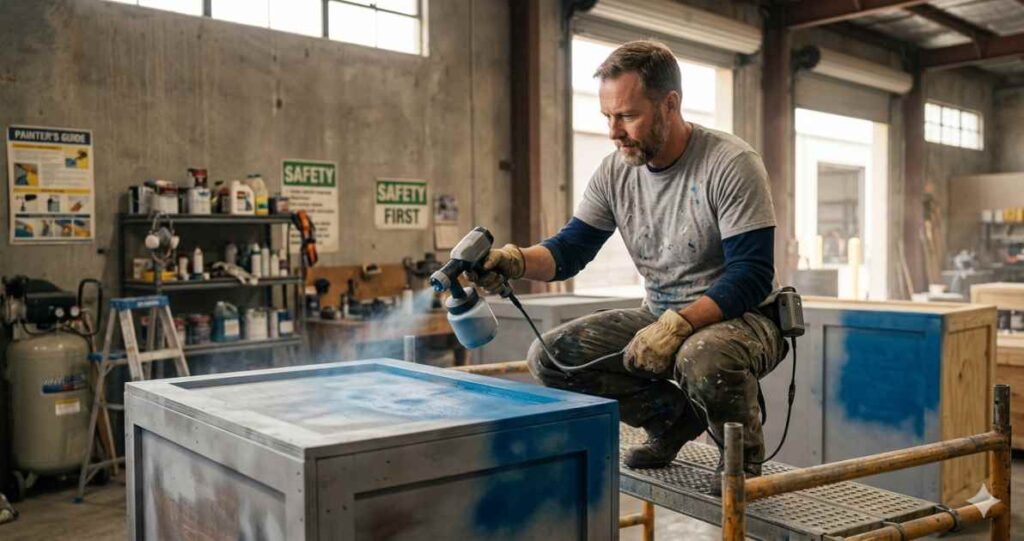
This game drops you into a highly detailed business simulation focused on restoring worn-out vehicles, residential spaces, and civic landmarks using commercial painting gear.
Unlike standard power washing games, this simulator forces you to focus heavily on preparation, precision masking, and steady spatial movement. I discovered that managing your battery life, paint supply levels, and equipment physical staging is the core loop of the game.
Spray Paint Simulator Gameplay Overview
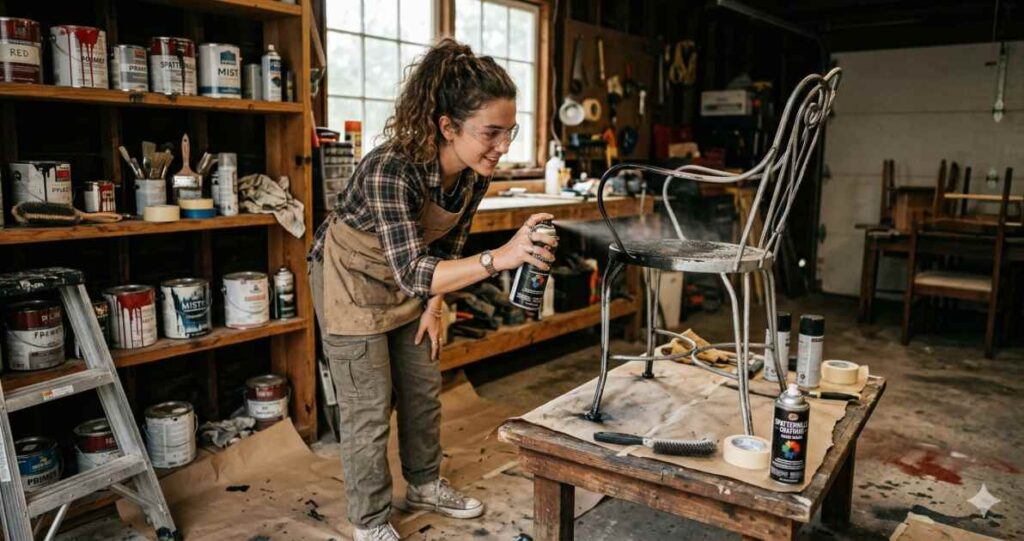
The primary goal is to fully cover specific structural elements while maintaining clean lines.
Core Mechanics
- Masking: Using protective paper and painter’s tape to block overspray.
- Spraying: Controlling your distance and nozzle speed to lay paint smoothly.
- Staging: Setting up scaffolding, stools, and mechanical lifts to reach high areas.
The user interface monitors your current battery life, paint tank percentage, and overall coverage accuracy.
How Career Mode Works
Career mode takes you on a structured progression path through Spatterville across 7 core jobs. You start with a small budget and simple tools like the entry-level YoPaint 2000. Each job rewards cash that you can spend at the supply shop to unlock larger capacity spray units, wider nozzles, and advanced scaffolding.
| Job Number | Level Name | Key Focus | Notable Unlock |
| 1 | The Wheels | Classic Cars and Porches | YoPaint 2000 |
| 2 | Green House | Residential Exteriors | Step Ladder |
| 3 | Kitchen Cabinets | Interior Masking Work | Stool |
| 4 | Tour Bus | Large Commercial Vehicles | Sprayite 150 |
| 5 | Iron Bridge | Massive Infrastructure | Cherry Picker Lift |
| 6 | Warehouse | Indoor Staging | YoPaint 3000 |
| 7 | Zach-Bot 1 | Giant Sci-Fi Robot | Extra Large Scaffold |
How to Prepare Surfaces Before Painting
You cannot just run in and start spraying color. I quickly realized that skipping prep work completely ruins your payout and job progress.
3 Essential Preparation Steps
- Remove Hardware: Take off side mirrors, car door handles, cabinet knobs, and light fixtures before pulling out your tape.
- Apply Masking Paper: Cover windows, tires, brick walls, and any adjacent unpainted panels completely with brown protective paper.
- Seal the Edges: Run precise tape lines along the borders of the target area to secure your masking lines.
How to Spray Paint Neatly and Efficiently
Perfecting your spraying technique keeps your paint layers thin and saves expensive material.
Maintaining Proper Distance
Holding your tool too close creates thick runs and drips. Holding it too far scatters your spray, wasting paint into the air. Keep a steady medium distance from the surface.
Sweeping Motions
Never hold the trigger while keeping your hand completely still. Move your arm in consistent horizontal or vertical strokes. Release the spray trigger at the end of each motion before changing direction to prevent heavy paint accumulation on the outer corners.
Best Tips and Tricks for Beginners
- Tip 1: Always hold down the right mouse button or controller equivalent frequently. This triggers a white-highlight scan that reveals every spot you missed.
- Tip 2: Buy the Running Boots and Climbing Boots from the shop as soon as they unlock. These items increase your baseline movement and climbing speed.
- Tip 3: Do not force yourself to paint at odd vertical angles. Use small step stools or ladders so your crosshair sits directly level with the target surface.
- Tip 4: Upgrade to larger nozzle attachments as soon as possible. Big nozzles double your coverage area per swipe on wide walls and flat vehicle panels.
How to Complete Jobs Faster
The game does not require 100% pixel-perfect coverage to complete an element. The engine features an automatic completion threshold. Once you cover roughly 95% of a specific panel, the system snaps the section to 100% complete. I found that ignoring tiny, microscopic specs on a massive wall saves hours of unnecessary work.
Furthermore, master the Cherry Picker vehicle’s control layout on the massive Iron Bridge level. Moving your lift fluidly keeps you painting without forcing you to constantly hop down to reposition heavy metal scaffolding.
Free Spray Mode Explained
Free spray mode unlocks for each level after you complete that job in career mode. This mode removes all budget constraints, client color demands, and financial progression. It also supports online cooperative multiplayer, letting you invite friends to paint freestyle murals or test out vibrant custom color schemes on any unlocked object.
Achievements, Collectibles, and Progression
Hunting down hidden objects is crucial for completing your game profile. The game is highly accessible worldwide and is currently included in the spray paint simulator Xbox Game Pass libraries for easy access. There are 2 primary types of hidden collectibles spread across the spray paint simulator levels.
Hidden Cash Stacks (4 Total)
Finding all cash rewards will earn you the “Cash Grab” achievement.
- The Wheels Level: Two separate stacks are hidden up on the porch roof and the main house roof. Use basic parkour or a ladder to reach them.
- Iron Bridge Level: One stack rests on a small rock ledge to the right of your spawn point. The final stack sits at the very top of the bridge’s structural beam.
Secret Letters (7 Total)
Finding all letters unlocks the “Avid Reader”, “Secrets!”, and “No More Secrets” trophies.
- Back door of the white house (The Wheels Level)
- Front door of the greenhouse (The Wheels Level)
- Hidden porch corner (The Wheels Level)
- On top of a red barrel (Tour Bus Level)
- Under a rock to the left of the spawn point (Iron Bridge Level)
- Under a rock on the right-side cliff ledge (Iron Bridge Level)
- On a blue container located to the right of the machine (Zach-Bot 1 Level)
Completing these challenges, along with finishing the career storyline, secures all spray paint simulator achievements.
Common Mistakes to Avoid
- Mistake 1: Forgetting to remove small parts. If you paint over a vehicle door handle without removing it, your client satisfaction score drops.
- Mistake 2: Spraying without checking your battery life. A dead battery completely halts your nozzle pressure, causing your paint to sputter unevenly.
- Mistake 3: Failing to clean up masking paper before clicking finish. You must pull off every single piece of tape and paper to successfully log a completed job.
Spray Paint Simulator FAQ
Is Spray Paint Simulator available on console subscription services?
Yes, you can access the full base game via Spray Paint Simulator Xbox Game Pass on both current console hardware and PC platforms.
How many main levels are featured in the career storyline?
There are 7 primary levels in the base game campaign, tracking your progress from a basic car garage up to a massive industrial robot factory.
Can I play the main career mode with a friend in co-op?
Cooperative multiplayer is strictly limited to Free Spray mode. The main career story mode is designed entirely as a solo experience.
What should I do if my paint tool stops working?
Check your current battery level and tank capacity on the heads-up display. You must regularly purchase battery refills and fresh paint cans from your quick menu inventory shop.